
ComfyUI workflow templates
Build cinematic AI video workflows with confidence
Editable ComfyUI graphs for MiniMax H3, LTX-2.5, and RTX upscaling. Digital workflow files with setup notes and model requirements. You bring the nodes, weights, and media.

What you get
Templates you can open, not footage you cannot change
01
Editable graphs
Every purchase is a ComfyUI workflow JSON you can open, inspect, and adapt. These are templates, not locked apps or rendered clips.
02
Setup notes
Each ZIP includes a README covering required custom nodes, model weights, and input prep so you can install against your own machine.
03
Local control
Graphs run in your ComfyUI install. You keep the media, the GPU, and the licenses for any third-party models you choose to use.
Shop
Featured workflows
One-time purchases of digital ComfyUI files. Checkout is on Whop.
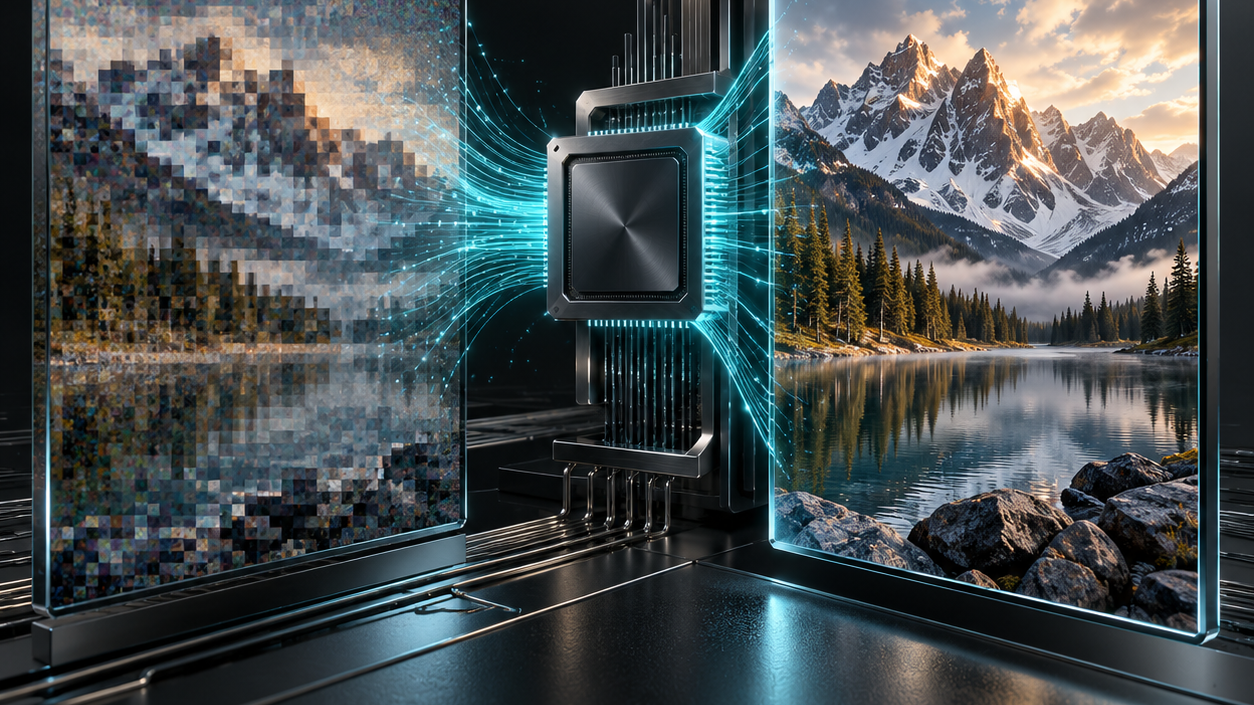
RTX Video 2x Upscale
$12
A clean 2× RTX upscaling graph. Bring your own video and export at twice the resolution, keeping audio and frame rate.
View on Whop

MiniMax H3 Image-to-Video Starter
$15
Turn one still into a short moving shot. Includes the graph, a quick-start guide, and a setup checklist.
View on Whop

LTX-2.5 Two-Stage Text-to-Video
$35
A text-led clip with a first generation pass and a second high-resolution refinement pass.
View on Whop

Collection
MiniMax H3 Creator Collection
$99
Seven workflows in one ZIP: image-to-video, camera and expression control, presenters, turbo sampling, and 2× upscale. Bundle contents overlap with separately sold products.
View on Whop

Collection
Cross-Model Video Vault
$105
Nine workflows comparing MiniMax H3 and LTX-2.5, including presenter studies, turbo variants, and video upscale. Bundle contents overlap with separately sold products.
View on Whop

LTX-2.5 Continuous Audio-Driven Presenter
$115
A longer single-shot talking-presenter graph driven by one portrait and a prepared voice recording.
View on Whop
Process
How it works
You buy a digital template, then run it locally in ComfyUI with your own models and media.
- 01
Pick a workflow
Choose a single graph or a collection that matches the shot you want to prototype: image-to-video, text-to-video, presenter, or upscale.
- 02
Purchase through Whop
Checkout runs on Whop. You pay once for the digital files listed on that product page.
- 03
Download the ZIP
After purchase, the files are in your private product Files area on Whop. There is no physical shipment.
- 04
Read the README, then install
Install the ComfyUI custom nodes and model weights named in that workflow. Weights, nodes, and example media are not included.
- 05
Import the JSON and add your media
Load the graph in ComfyUI and supply your own licensed images, video, or speech. Output depends on your GPU, versions, and inputs.
Model weights and media are not included. GPU memory and software versions vary. Customer templates have not been clean-install rendered, and results are not guaranteed.
FAQ
What is included?
Each offer is a digital ComfyUI workflow template. You receive a ZIP with the workflow JSON and setup notes. Model weights, custom nodes, sample media, cloud credits, and rendered footage are not included. Collections contain multiple existing graphs; their contents overlap with products sold separately.
What are the technical requirements?
A current ComfyUI install, the custom nodes and model weights named in that workflow’s README, a compatible local GPU, and your own licensed media. VRAM, drivers, and software versions vary by graph. We do not ship a turnkey environment.
How is it delivered?
These are digital files. After you buy on Whop, download the ZIP from your private product Files area. Nothing is mailed.
Will this work on my machine?
Compatibility depends on your ComfyUI version, custom nodes, model weights, and GPU. Customer templates have not been clean-install rendered. Results are not guaranteed.
How do I get support?
Order, file, and product questions go through Whop. Open Daoud AI Workflows on Whop or send a message there. Support is for delivery and product questions, not custom graph debugging or model installation on your hardware.